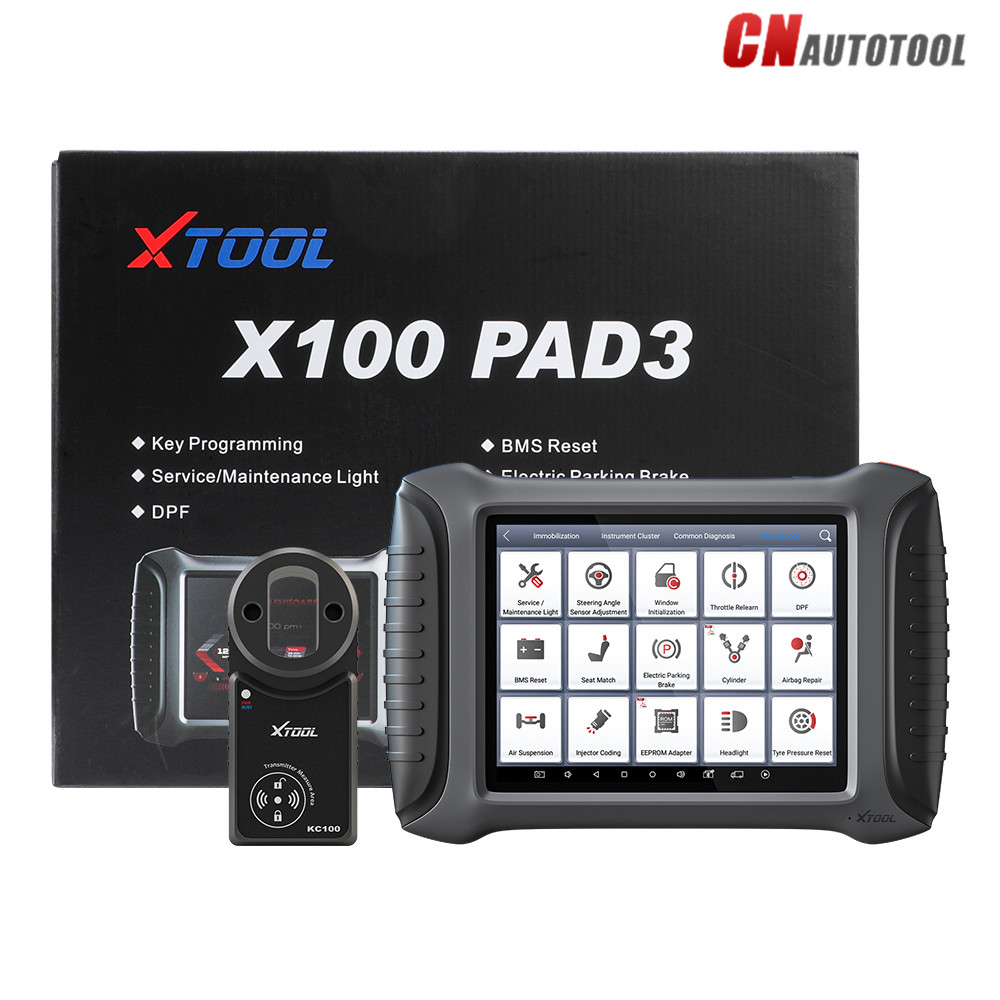
How to activate the XTool X100 Pad 2
Activation is made super easy with the X-100 Pad2. Just follow these simple steps to activate the Xtool:
First, connect your Xtool X100 2 to your network/wifi
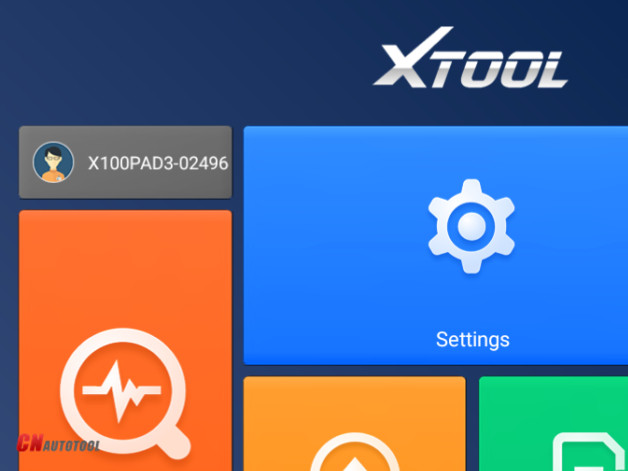
Power up the and you’ll see the main interface appear on the screen
Press login to account and login with your e-mail address
You will also be required to enter an “activation code” which you can find printed on the user manual
Once you’ve complete all the necessary information just click the “ACTIVATE” button
The activation will bring up the X100 2 pad main menu, and you’re ready to go!
The activation of your device is a one time process, once you’ve
completed it the XTool Pad 2 will save all your information ready for
next time.
How to use the XTool X100 Pad2?
When it comes down to using the device, the simple interface takes
all the stress out of key programming and vehicle diagnostics. Once
you’ve activated your Xtool X100 Pad3 Pro
using it is a breeze. The simple interface is easy to navigate, and
allows you to select which function you’d like the tool to perform. If
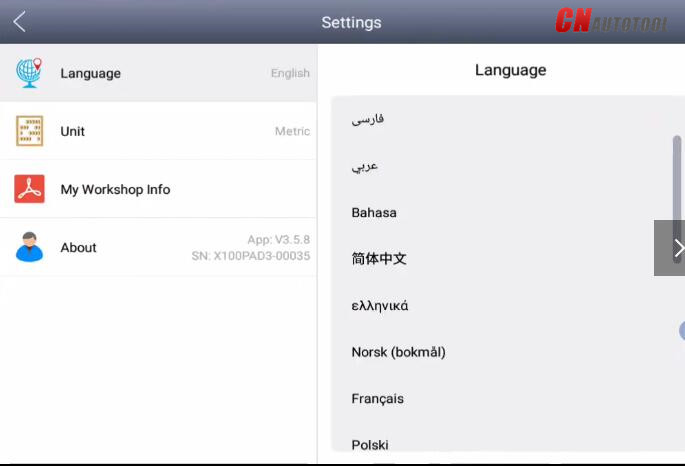
you need to change the language of the device, simply click on
“settings” and you’ll be take to a menu where you can select from
various options.
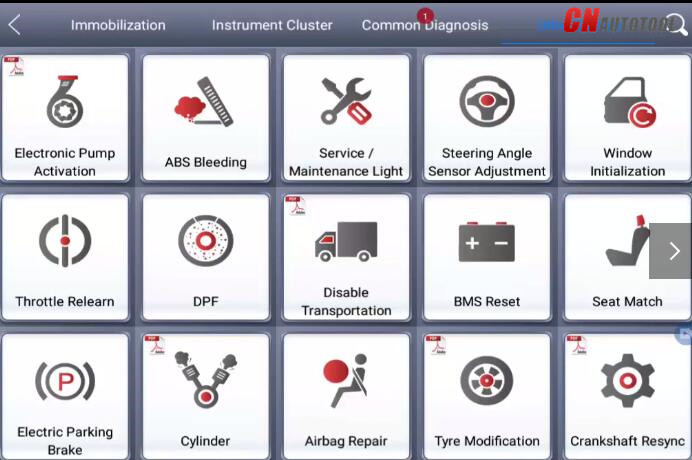
Once your vehicle is connected to the device you can perform
diagnostic functions at the press of a button. The main interface will
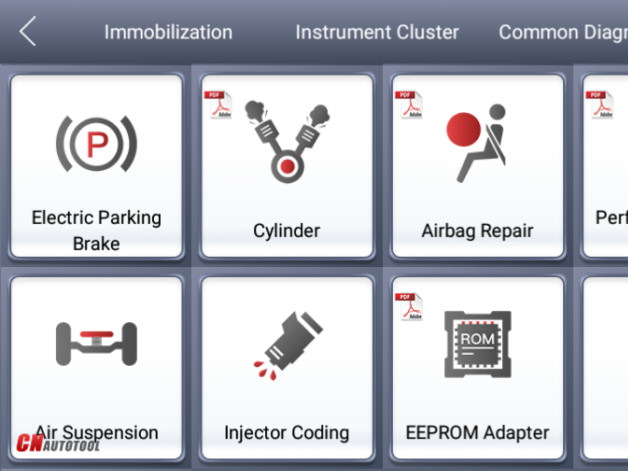
present you with various options. By clicking “diagnosis” you’ll be able
to read diagnostic information, view live data, perform actuation tests
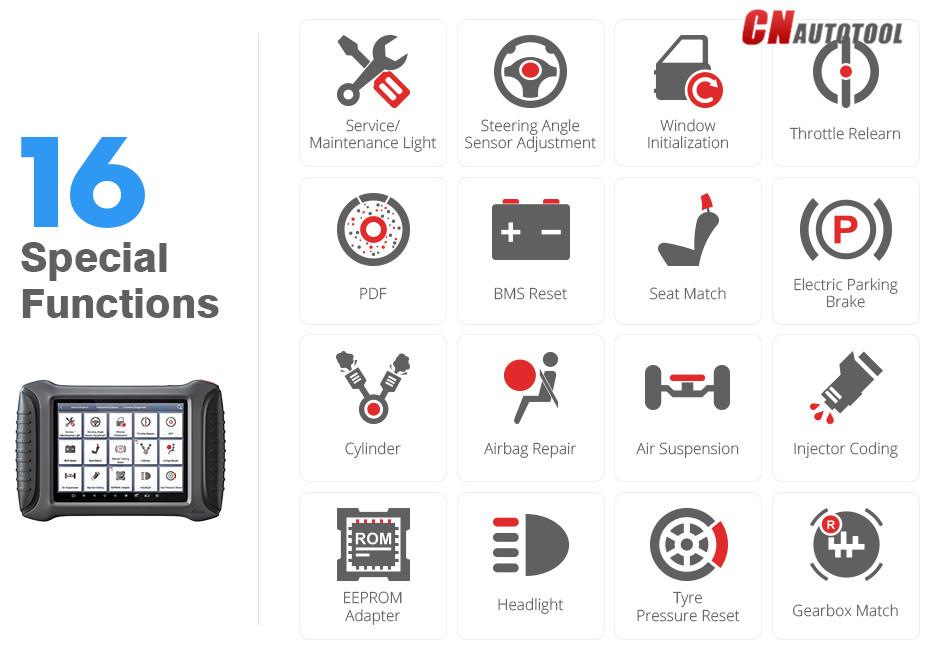
and special functions, and more. You can also view diagnostic reports,
which you can export in PDF form for printing. From the main interface
you can find options allowing you to use Bluetooth connection, adapt
settings, and perform a remote diagnosis.
Always remember to read the instructions carefully. The detailed
guide will take you through each process step by step, so you’ll always
know exactly what you’re doing and get the most out of your device.
Is the XTool X100 Pad 2 good for reading codes?
Yes, the Xtool X100 Pad two is capable of being used to perform OBD
II scanner operations by reading codes and recognising issues with a
vehicle.

What is the best OBD2 scanner?
When it comes to OBDII diagnosis tools, there are plenty of options
on the market. With so much competition out there, how can choose the
best OBD2 scanner to suit your vehicle? If you’re looking for tool that
can function as a key programming tool and perform an OBDII diagnosis on
your vehicle, then a multi-functional tool such as the one covered in
this review won’t let you down.
When searching for a great OBDII diagnosis tool
you best option is to browse the market and check out the different
functions and features of various models. It also depends largely on the
reason you’re buying the scanner and the performance you want to get
out of it. It is a good idea to read plenty of reviews and do your
research properly, to understand whether the tool you choose will do the
job you need it to do.
In saying that, it’s always a good idea to buy from a renowned
manufacturer. XTool is a household name in the OBD business, and you can
trust that their products will deliver quality, durability, and cover a
wide range of functions. Their scan tools are great quality,
long-lasting scanners that provide a whole host of other services too.
Opting for a brand that also provides great customer service is always a
good idea, as this way you’ll ensure that you can receive the help you
need when you need it.
When deciding on the best OBD scanner, is all comes down to what
you’re going to be using it for, the features you desire, and the price
point you want to buy it at. Obviously, most expensive tools like the
XTool X100 Pad2 go beyond single use functionality and combine a variety
of tools into one, easy to use tool. This is a great option is you’re
willing to spend the money and want a guarantee that your investment
will perform well and last for a long time.