Lots of customer encounter setting problem when using MB SD Connect Compact 4 star diagnosis,
so we recommend this bundling sale for those customer who want once get
in hand then can use it directly. We will install and activate the MB
SD C4 SSD for you ready to use. What’s more, this package offer saves
you money than buying them alone.
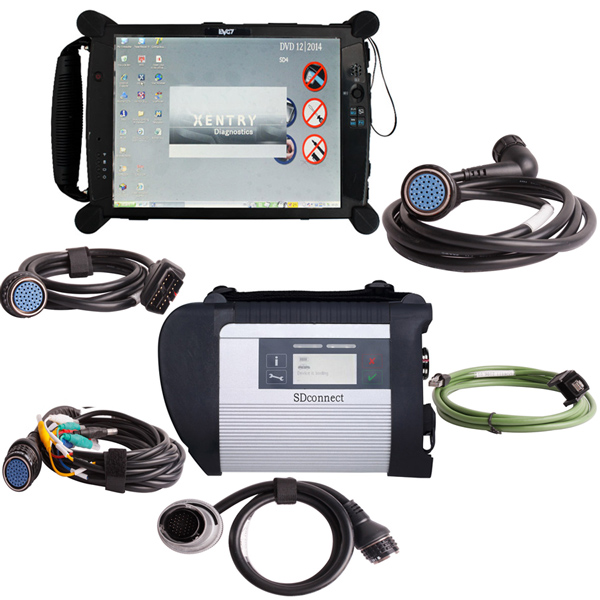
MB SD Connect C4 Star Diagnosis Tool With WiFi 2021.06 Plus EVG7 Diagnostic Controller Tablet PC
Software list:
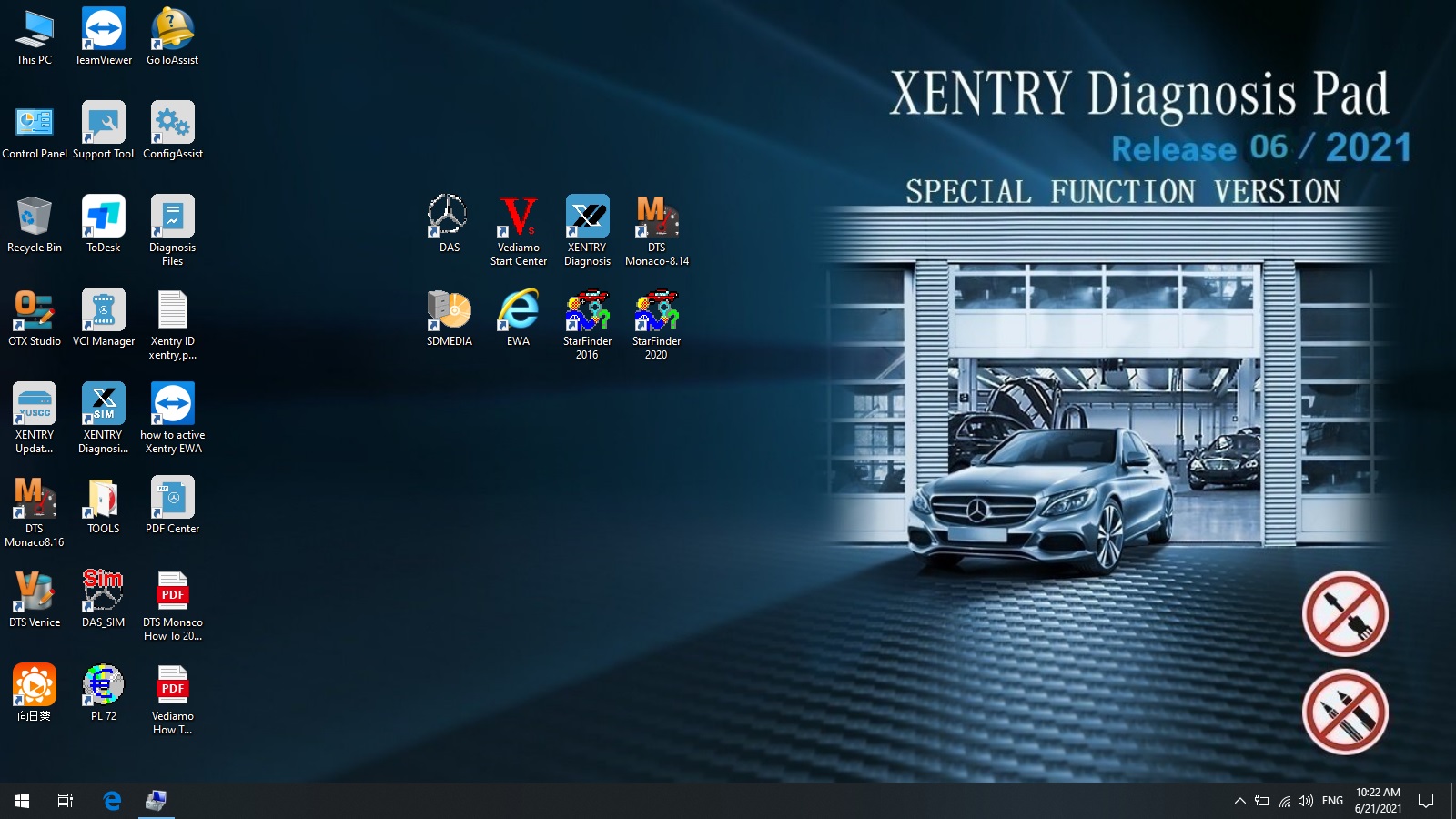
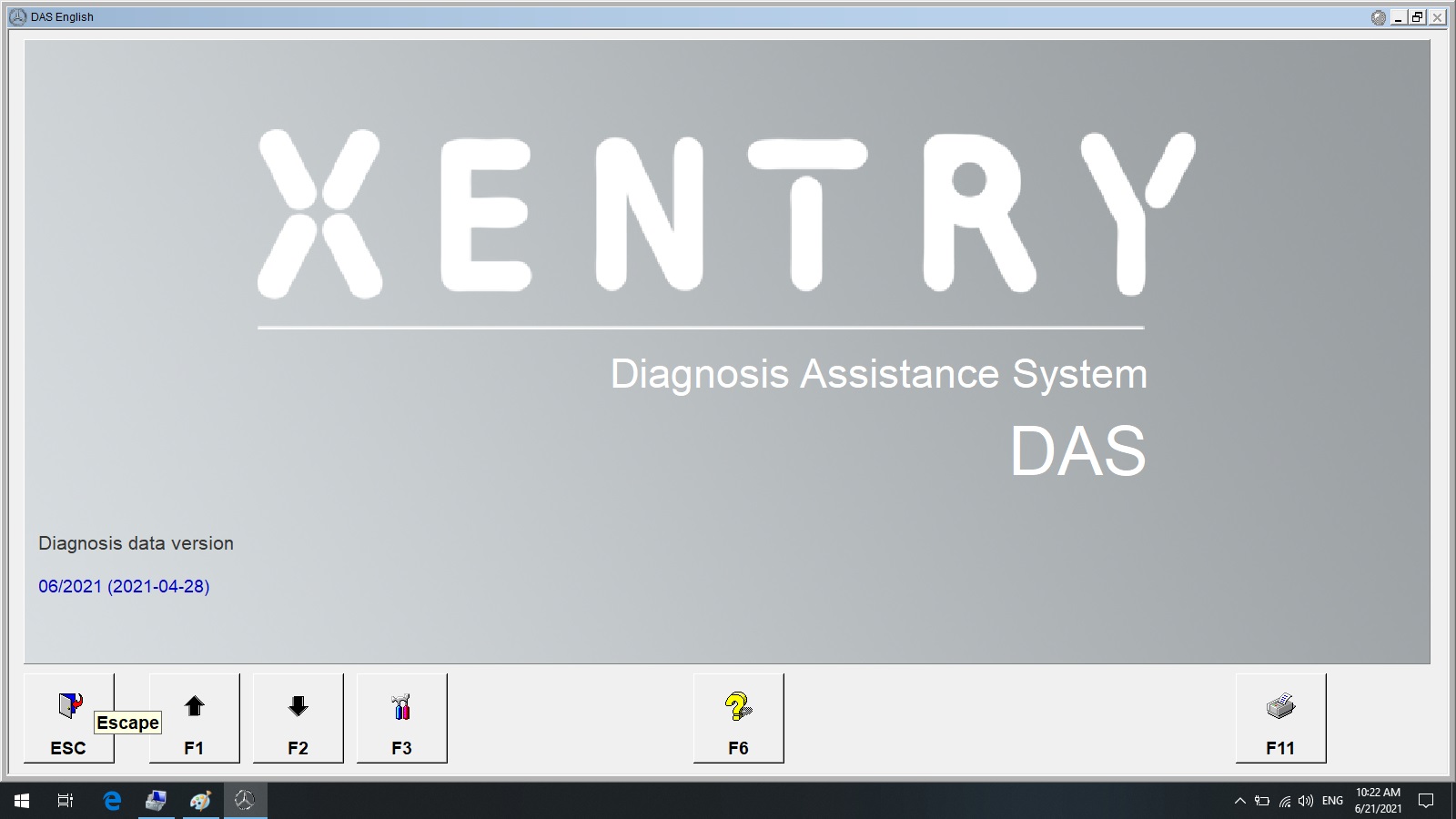
1. DAS 2021.06: the automatically Diagnosis Assistance System
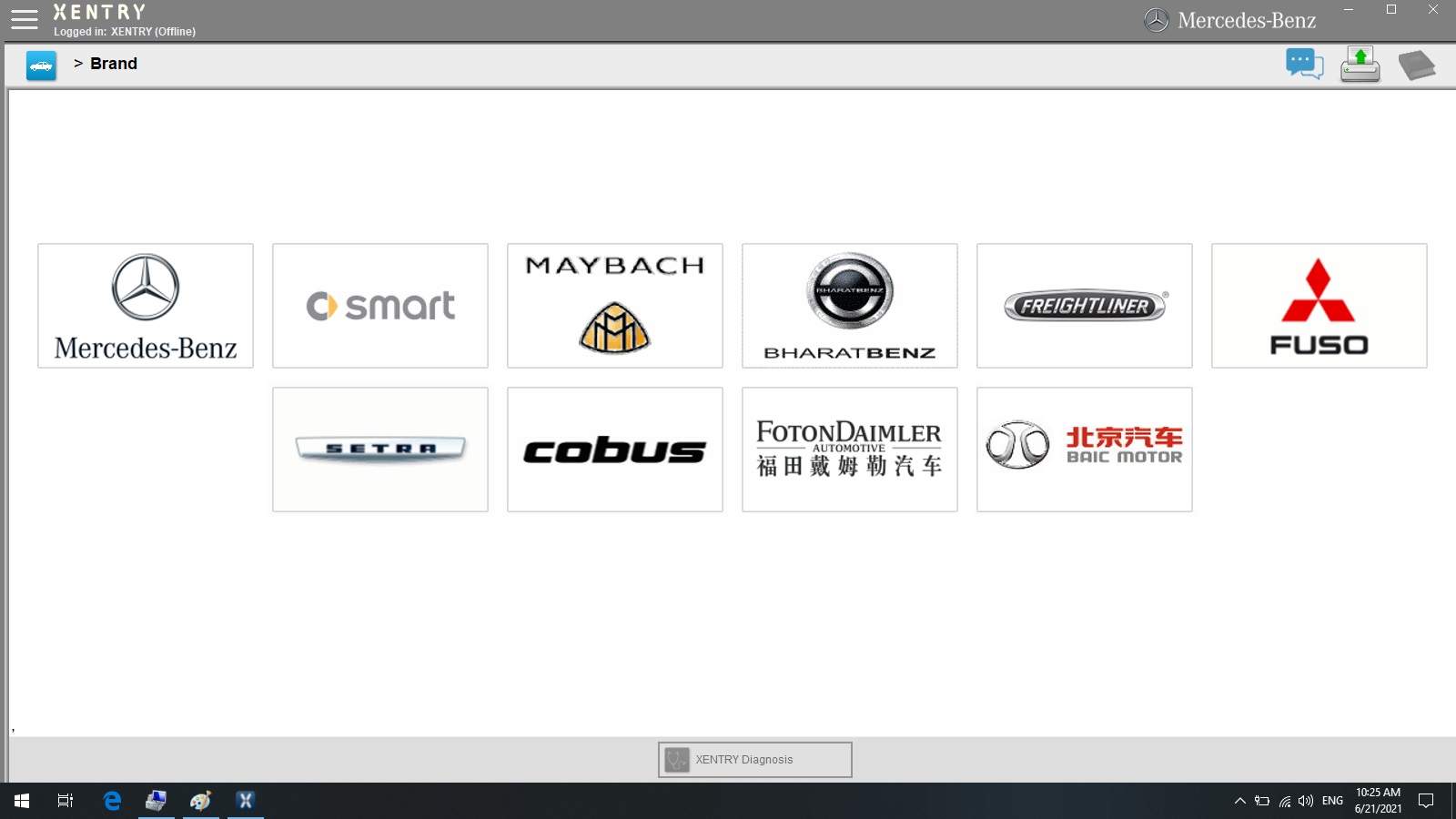
2. Xentry 2021.06: New software released by Bennz Company after 04/2009 by diagnosis new cars.


Software Mainly Features :
1.Including Super Engineer Software:DTS monaco V8.16.15 And Vediamo V5.01.01 Support Offline Programming
2.Support Wireless
3.Software Version: V2021.06
Hardware Version:OS:2.3 CSD:2.11
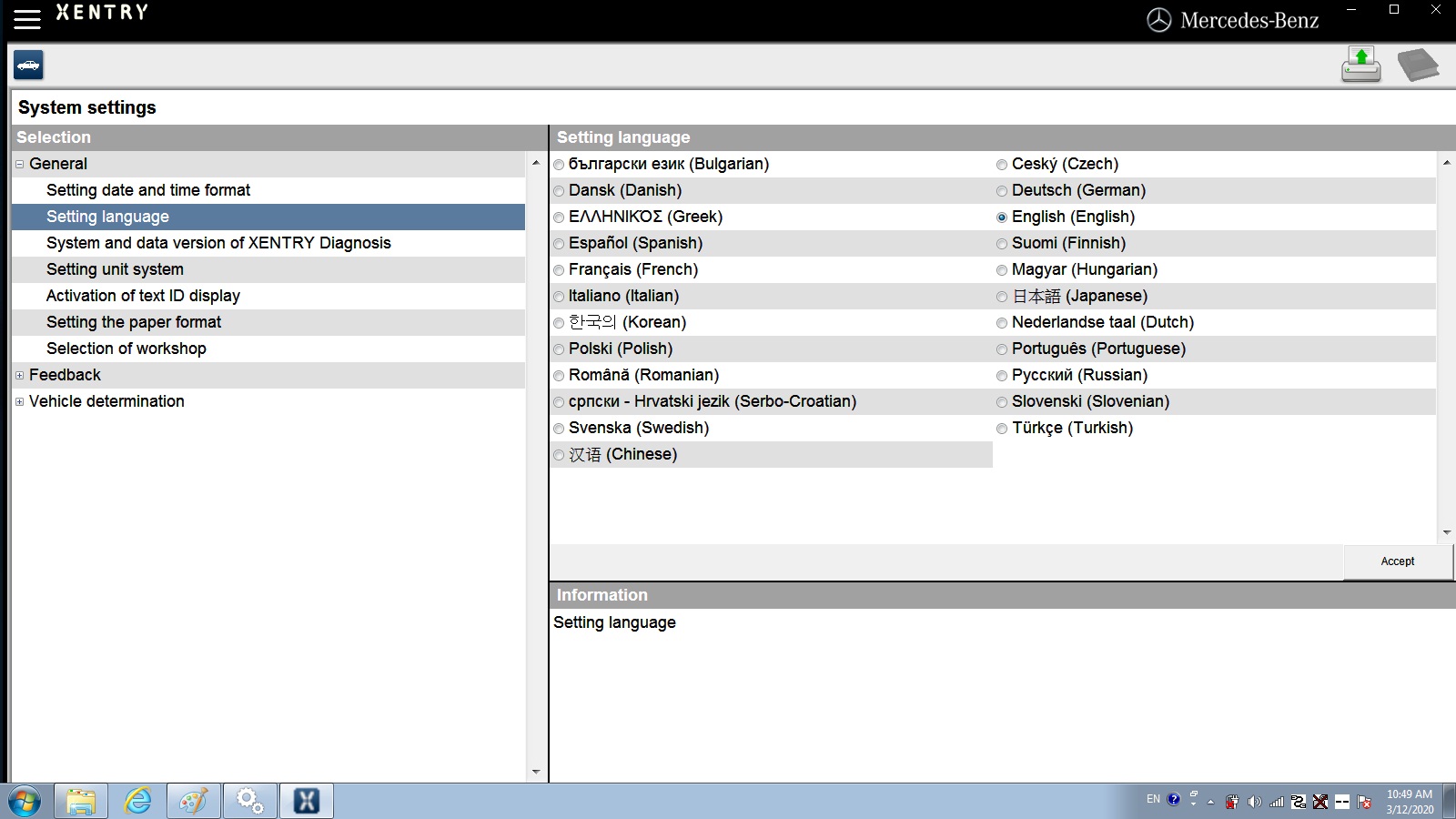
4.Support Multi-Language: (Default language is English, if you want other languages, please leave message)
English/Bulgarian/Danish/Greek/Spanish/French/Italian/Korean/Polish/Romanuan/Serbo-Croatian/Turkish/Czech/German/Finish/Hyngarian/Japanese/Dutch/Portuguese/Russian/Swedish/Chinese.

5.Support Both Mercedes Benz Cars and Trucks
6.Support Mercedes Benz Cars After Year 2000
7.Support Offline and Online Programming, If You Want to Do Online,you must have an account online.
MB SD Connect C4 Function :
1. New MB SD Connect Compact 4 Star Diagnosis not only support K line
diagnose and CAN BUS,but also UDS diagnose protocol. Because old MB STAR
C4 main board do not have UDS chip, so old MB STAR C4 can not support
it;
2. New MB SD Connect Compact 4 Star Diagnosis support wireless diagnose;
3. Multiplexer now use Lan cable to connect, can not use on IBM T30 laptop.
4. Connector adopt Military quick swap technology, it can support 10,000 times pull plug, more stable;
5. All core accosseries adopt original new packing chip, and 24hours test, guarantee the quality of the products;
EVG7 DL46 Specification :
Condition: NEW
Mark: EVG7
Model: DL46
Processor: Intel Celeron 1037(Dual – 1.8Ghz/L3 2M)
DDR: The biggest support memory: 4GB
HDD: 500 GB SATA HDD.
LCD: 10.4 Inch The resolution of the 1024×768
Graphics:
touchscreen widescreen LED backlight
The core graphics Intel HD Graphics
Speakers: Built-in Speakers
Wireless: 802.11b/g/n
LAN: The built-in 10-100M card
Bluetooth: BT2.0 , 4.0
USB: USB3.0 / Mini USB / 2 x USB2.0
Card Reader: TF Card Reader
Other Interface:
VGA Voice Input / The Sound Output /
DC Power Jack / Parallel LPT Port I/O
VGA Output
Battery Type: 9 The core of lithium batteries 10.08V 6600 mAh
Power Adapter: 110V-240V The adaptive communication power supply
Battery Life: The specific time depending on the use environment
Specifications: 270x180x60 mm
weight: 1911g (with battery)
Certificates: CE / FCC / RoHS
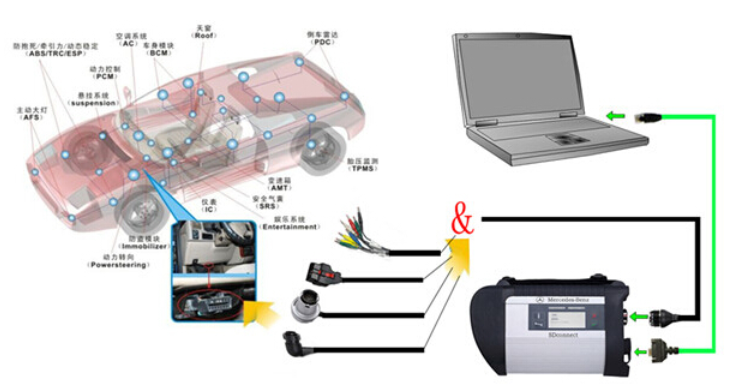
MB Star SD Connect C4 Wire Connection Picture:

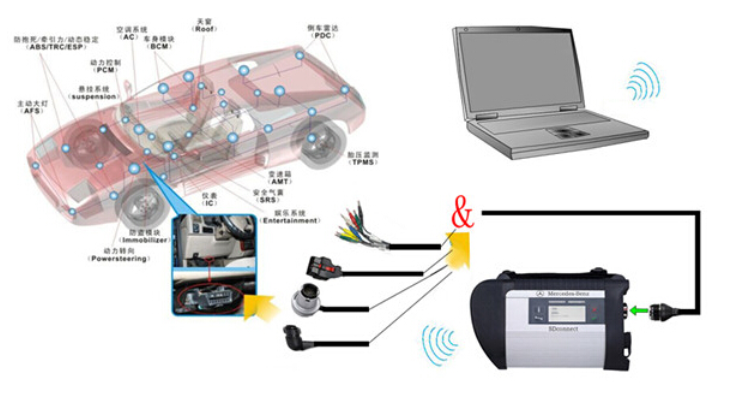
MB SD C4 Wireless Connection Picture :

MB SD Connect Compact 4 Supported Vehicle List:
MB SD C4 Support Mercedes Benz Cars After Year 2000
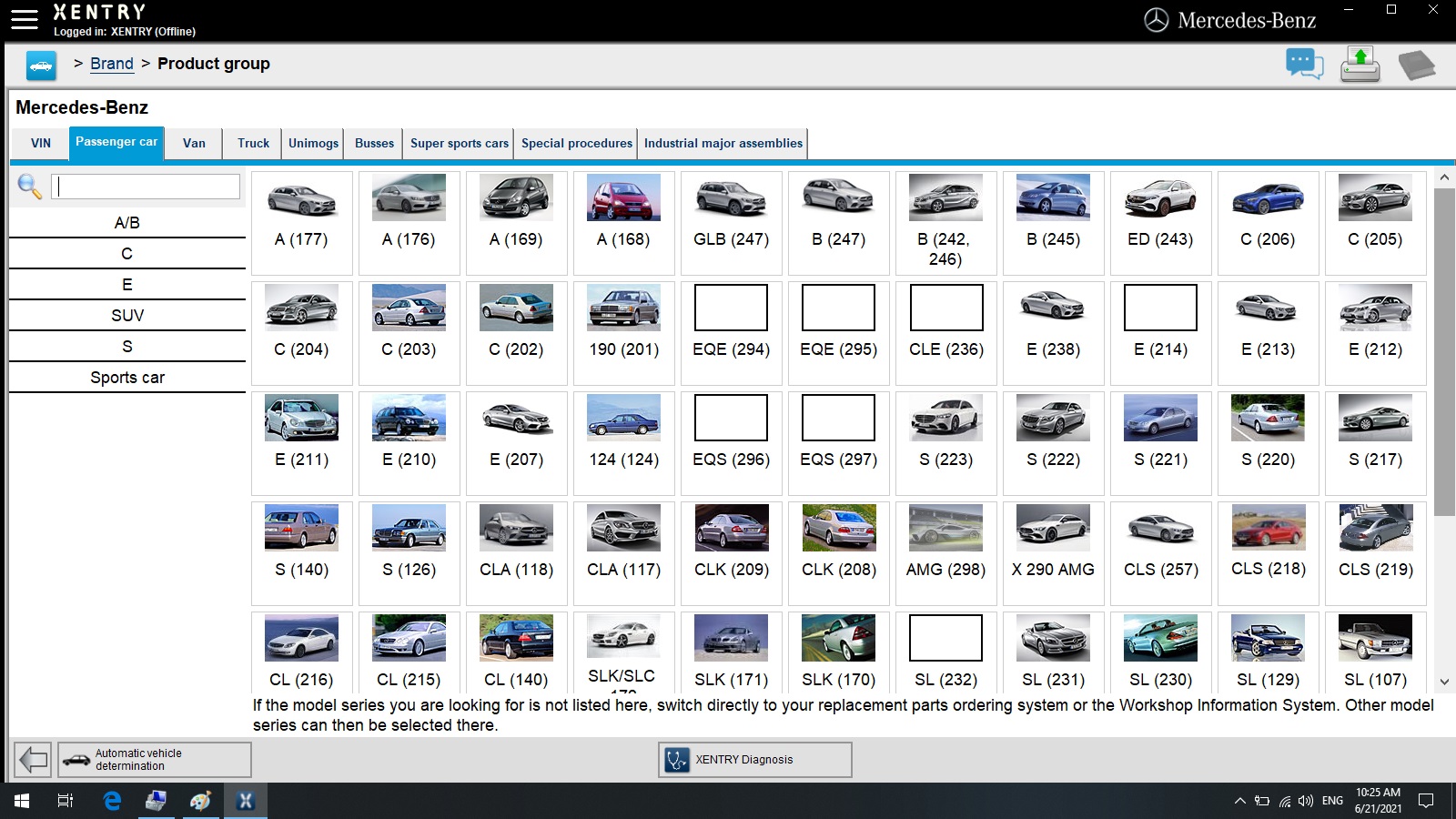
Passenger Car Support List:
A(176), A(169), A(168), B(246), B(245), CLC(117), C(204) C(203), C(202), 190(201), E(212), E(211), E(210), 124(124),
S(222), S(221), S(220), S(140), S(126), E(207), CLK(209), CLK(208), CLS(218), CLS(219), CL(216), CL(215), CL(140) SLK(172),
SLK(171), SLK(170),SL(231), SL(230), SL(129), SL(107), SLS(197),M(166), M(164), M(163), G(463), G(461), E(212), E(211),
E(210), 124(124), S(222),S(221),S(220), S(140), CLK(209), CLK(208), CLS(218), CLS(219), CL(216),CL(215), CL(140),
SLK(172), SL(231), SL(230), SL(129), SL(107),SLS(197), M(166), M(164), M(163), G(460), GL(164), GLK(204), R(251)
Van Support List:
MB 100(631), T1, SprinterIII, SprinterII, SprinterI, Sprinter900, Citan, Vito(639), Vito(638), V(638), Viano(639),
T2, Vario, Vaneo(414)
Truck Support List:
Actros963/4, Actros2,3, AtegoIII, AtegoII, AxorII, Eonic, Zetros, Actros, Atego Light, Atego Heavey, HPN M96, Atron,
HPN M2000, SKL, FSK, Further model series
Unimog Support List:
U20, UGN, UHN
Bus Support List:
TRAVEGO, INTOURO, INTEGRO, CITARO, CAPACITY, CITO, TOURISMO, O350/O403, CONECTO, O404, O405-O408,
Minibus, OC500, TOURO, TOURINO, MBC, MULITEGO, O500, O500/OH, OH, OH368, OF, OF384, LO, O400,
FURTHER MODEL SERIES
Super Sports Car Support List:
SLR(199)
Package including:
1pc x EVG7 DL46
1pc x Li-Ion Battery
1pc x Power Adapter
1pc x User’s Manual
1pc x MB SD C4 Multiplexer
1pc x OBDII 16PIN Cable
1pc x 38PIN Cable
1pc x 14PIN Cable
1pc x 8PIN Cable
1pc x Lan Cable
1pc x Hard Disk 500GB

For information please check this link:https://www.cnautotool.com/category-172-b0-MB+Star+C4.html